A site manager’s notebook
Your sites. Under control after every visit.
Notes, photos with the problems marked, recommendations with due dates and a PDF report for your client. All in your pocket, even where there’s no signal.
iPhone · iPad · Mac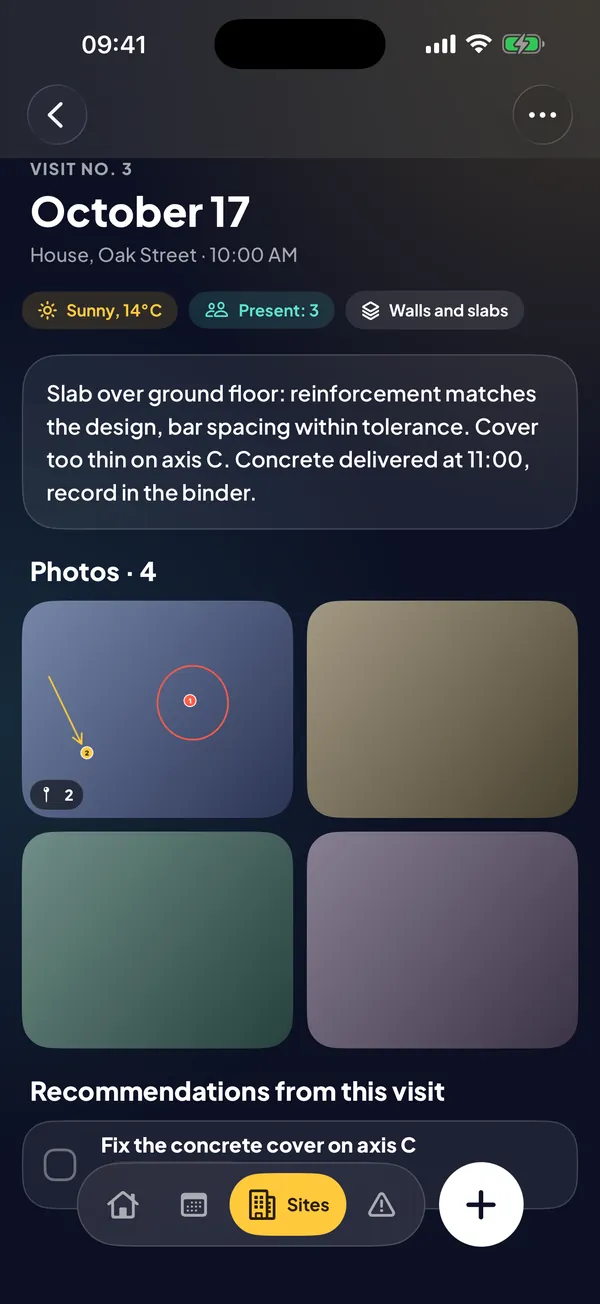
Notes, photos with the problems marked, recommendations with due dates and a PDF report for your client. All in your pocket, even where there’s no signal.
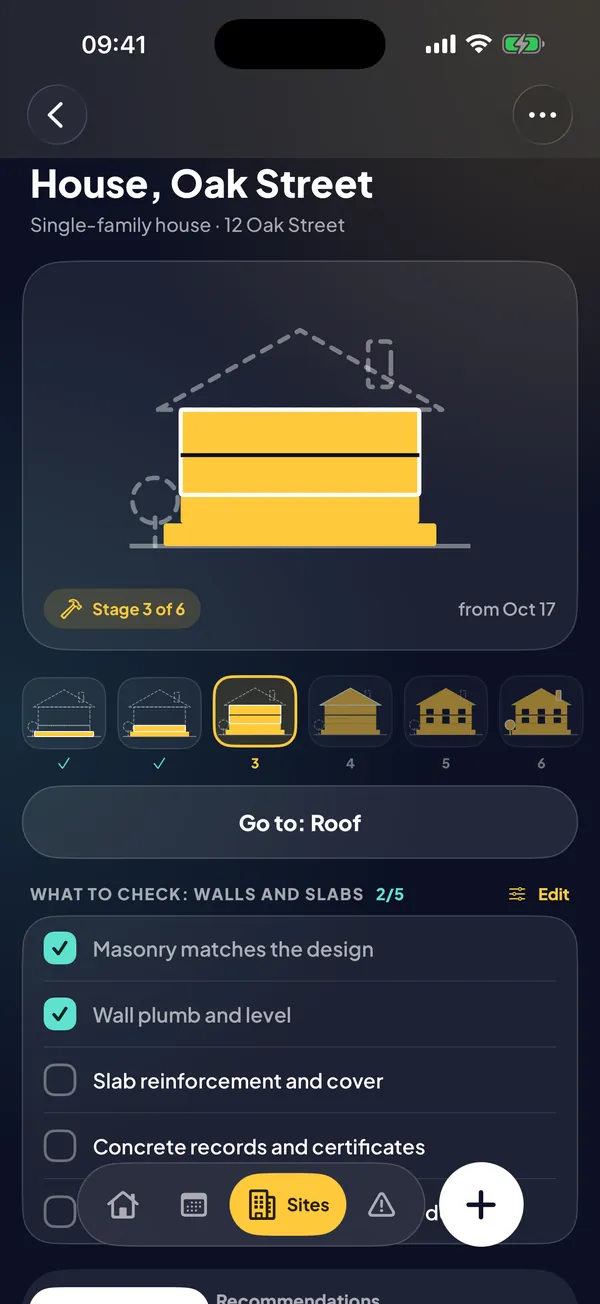
iPhone · iPad · MacPick the type of site and the building drawing grows stage by stage, from foundations to finishing. You see progress at a glance, with no tables or gauges.
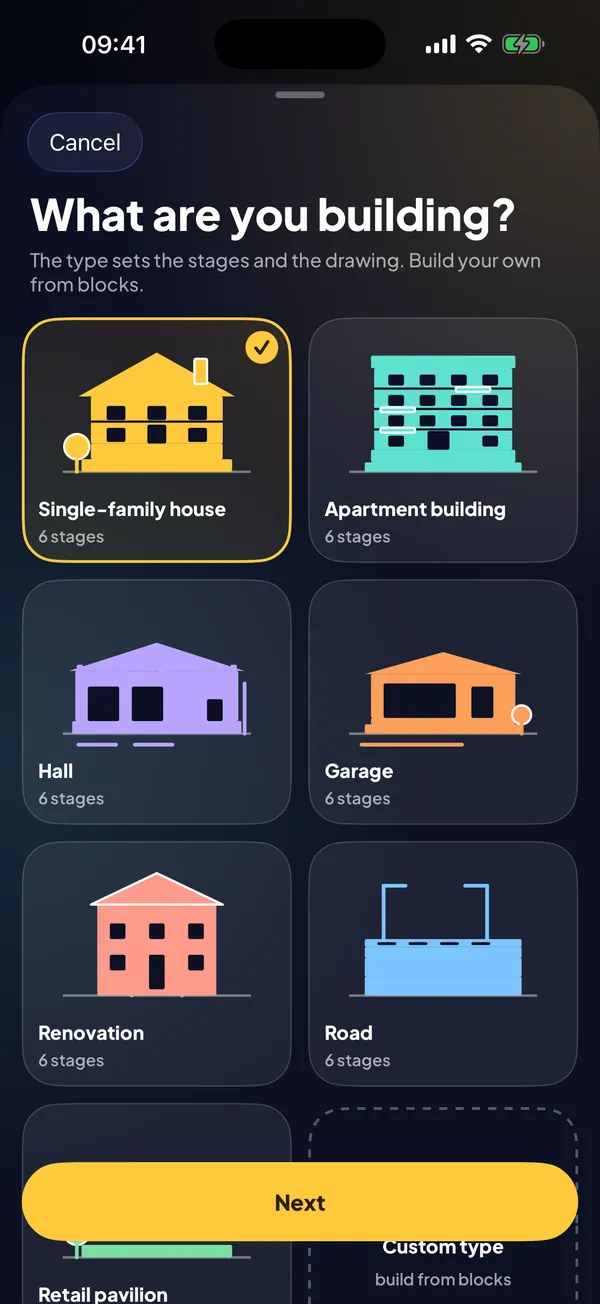
House, apartment building, warehouse, garage, renovation, road, or a custom type built from drawing blocks. Stages and checklists set themselves up.
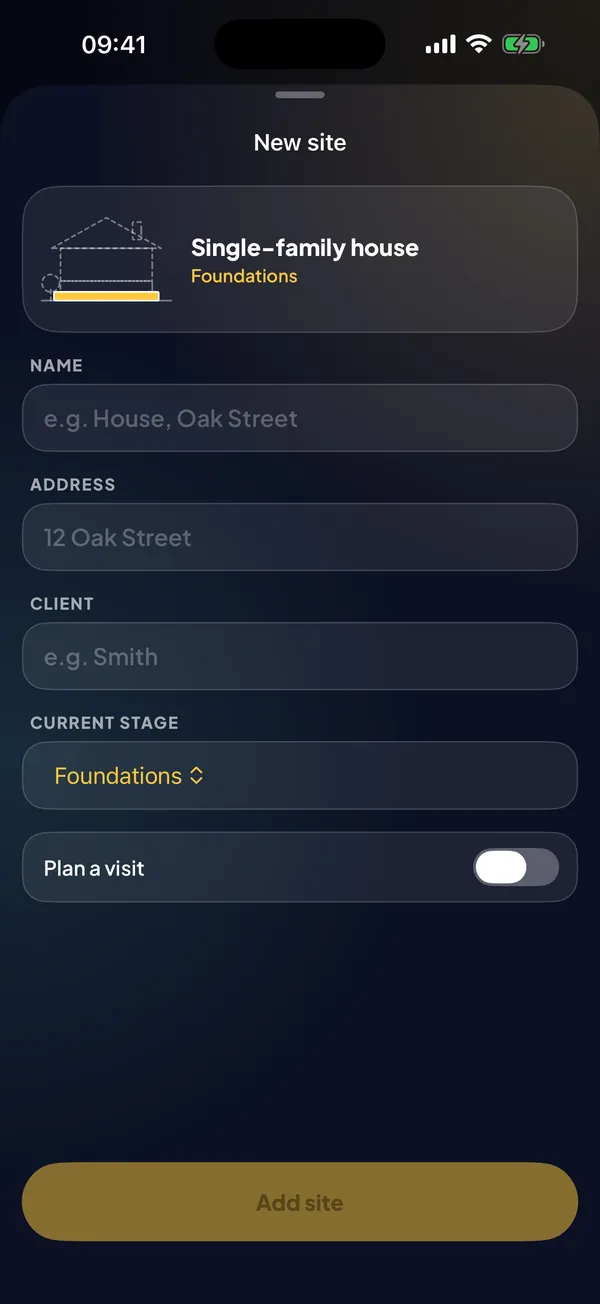
Name, address, client and the stage you’re at. Adding the next site takes a few seconds.
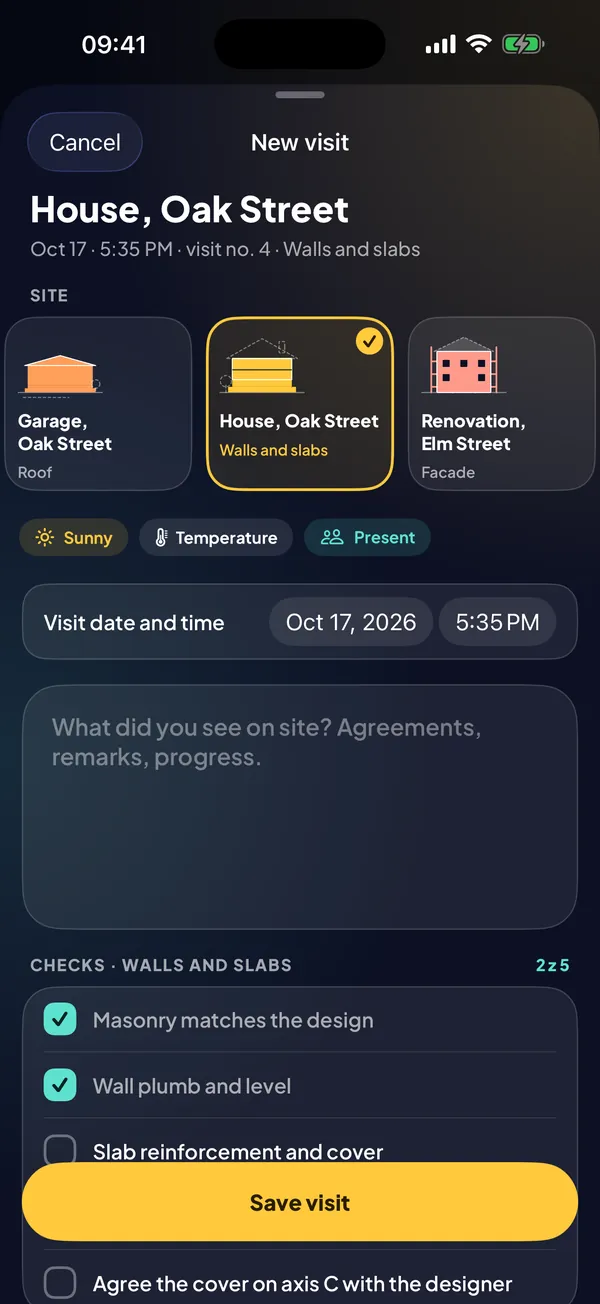
Tap plus, choose the site, write a note, take photos, tick the checks and save recommendations with a due date.
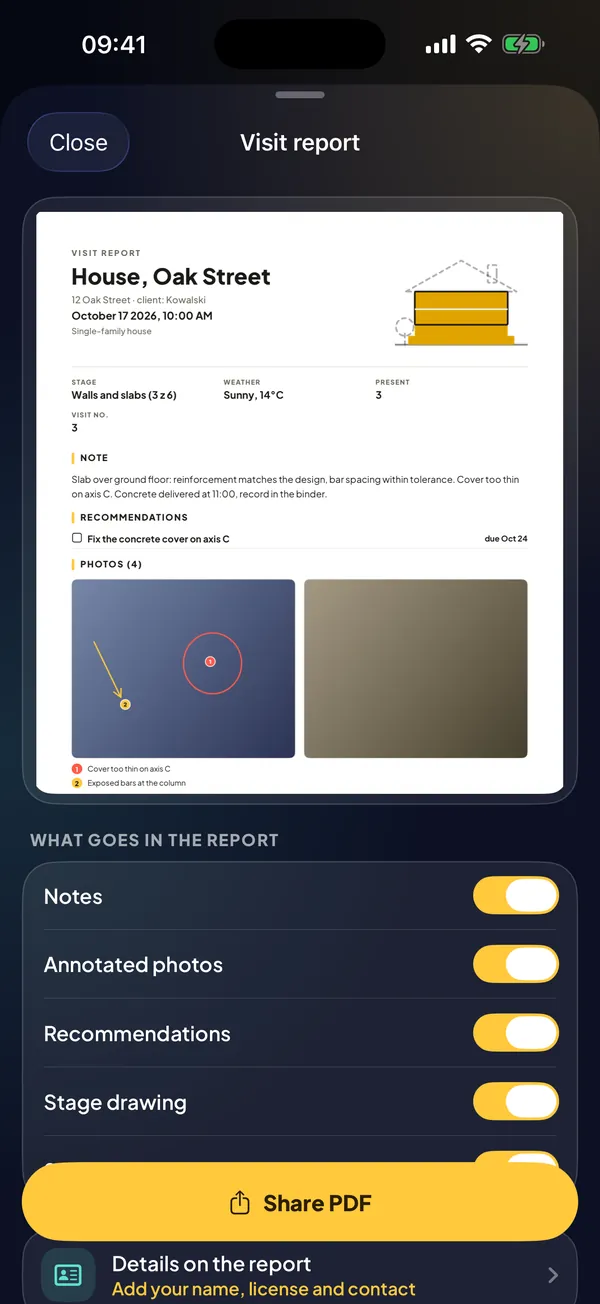
From one visit or a whole site: with your signature, photos with pins and the list of recommendations. Ready for your client.
House, warehouse, garage, renovation, road, or a type you build from drawing blocks.
The building grows as you move to the next stage. Future stages are drawn as a dashed outline.
Note, weather, who was there, and photos from the camera or library. It saves instantly.
Arrow, circle, label and pin. Turn a pin into a recommendation with one tap.
What to check at each stage. Edit them for a site type or for a single site.
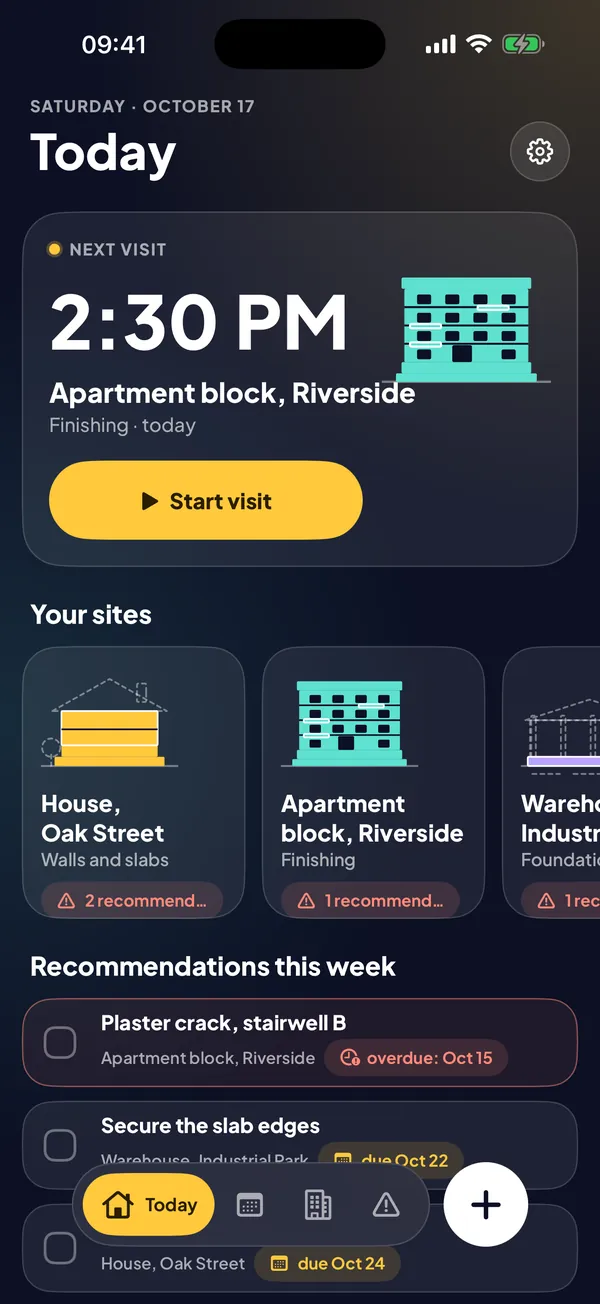
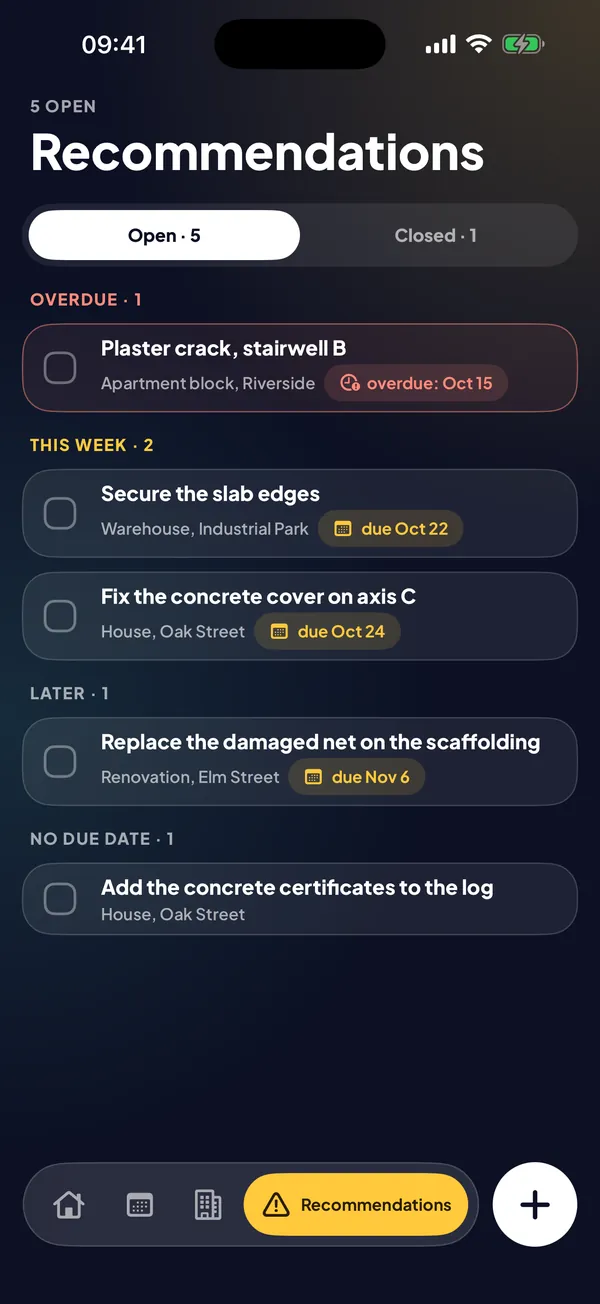
An overdue counter and a this-week view. Nothing gets lost in your notes.
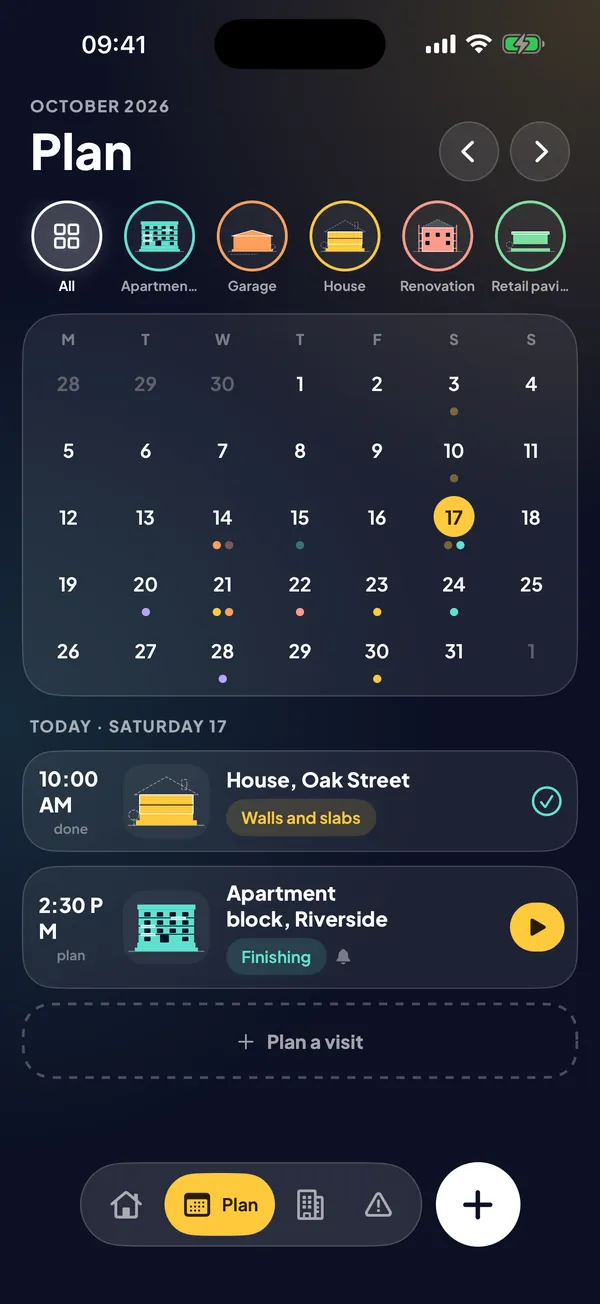
Plan visits, repeat them and start one with a tap from the plan.
7 days, 30 days, a stage or a custom range. With your signature and details.
No account and no server of ours. Data stays on your device or in your iCloud.
Start with no card and no time limit. When you have more sites, turn on Pro.
When Pro ends, no data is deleted and your oldest site stays fully available.
Kierbud does not replace the official construction log required by law (paper or electronic). It is your working notebook: it helps you prepare entries and reports.
Yes. The app needs nothing from the network, so it works in a basement or on a remote plot. Internet is only needed to buy Pro and for iCloud sync.
On your device. If you turn on sync in Pro, also in your private iCloud. We have no server and no access to your data.
Yes. In Settings you can send the whole database to a file and load it on another device. It works in the free version too.
Yes. You build it from drawing blocks and name the stages and checklists. The drawing grows just like the built-in types.